Built for knitters and crocheters
One app for your knitting and crochet projects, with all the little tools you reach for along the way.
Keep your place, and your count.
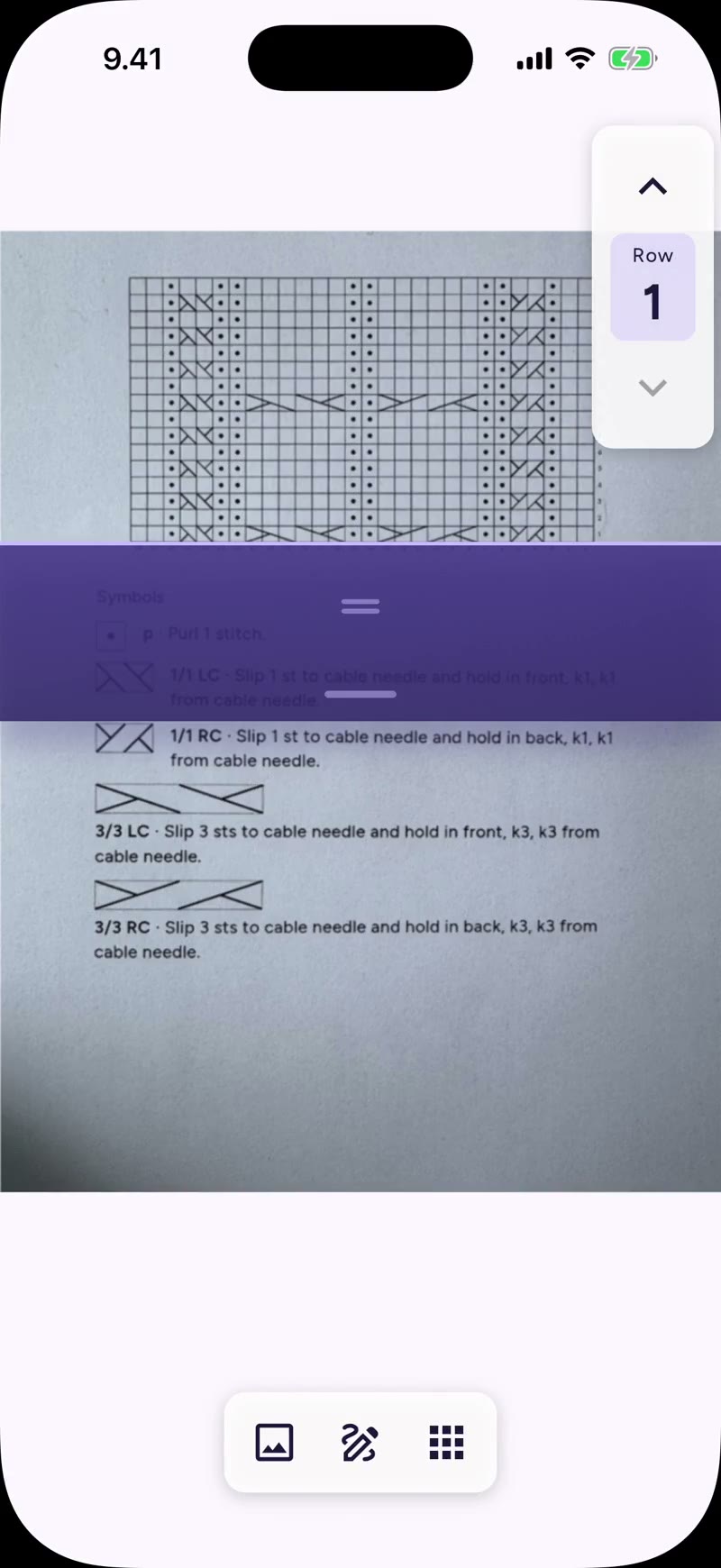
Press and hold the marker and drag it up or down: it snaps from row to row and the counter follows. Add a counter for whatever else the pattern has you counting, decreases, repeats, rows to the next buttonhole, and pin it to the toolbar. The timer keeps the hours while you work.
Highlight what matters in your pattern.
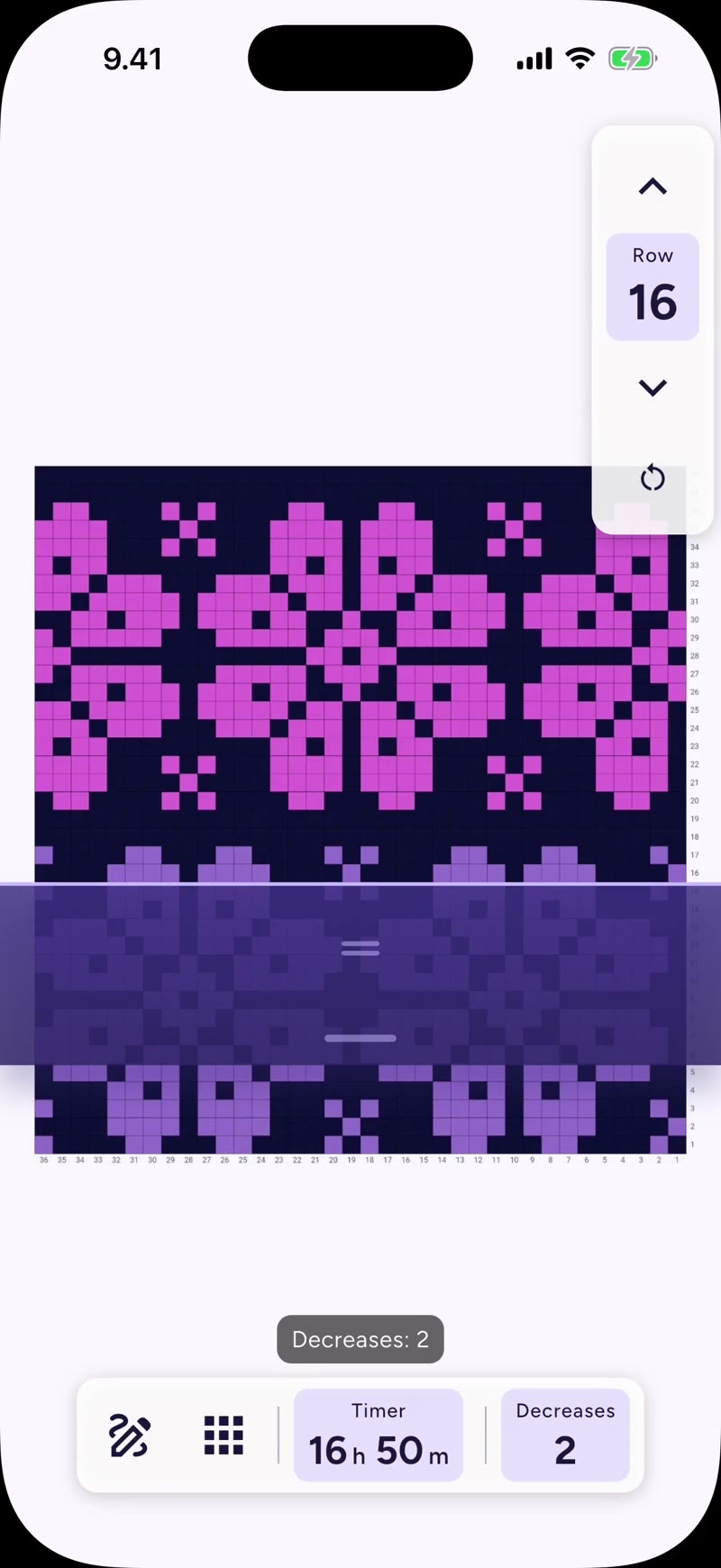
Patterns usually give every size at once. Circle yours and highlight the parts you need to remember.
Counters, calculators and a ruler.
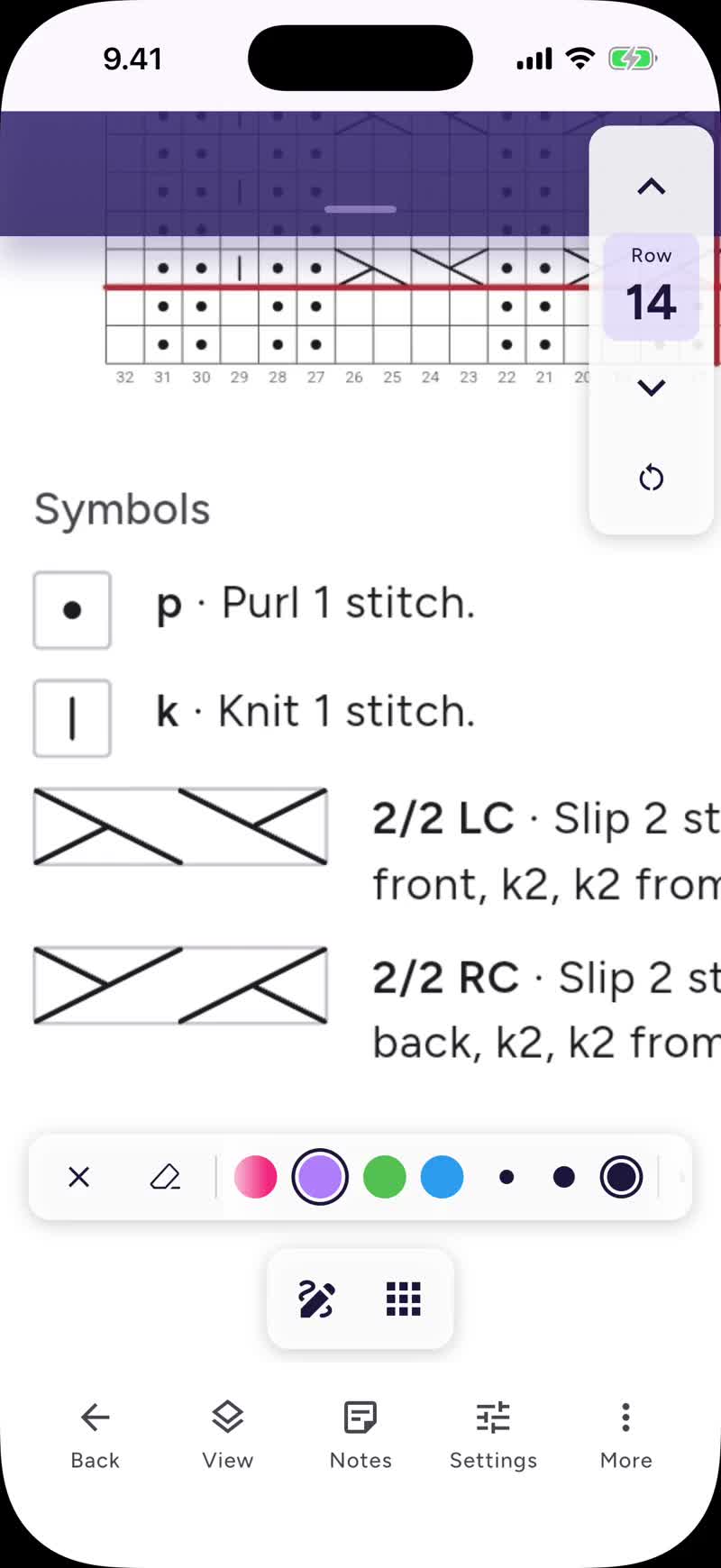
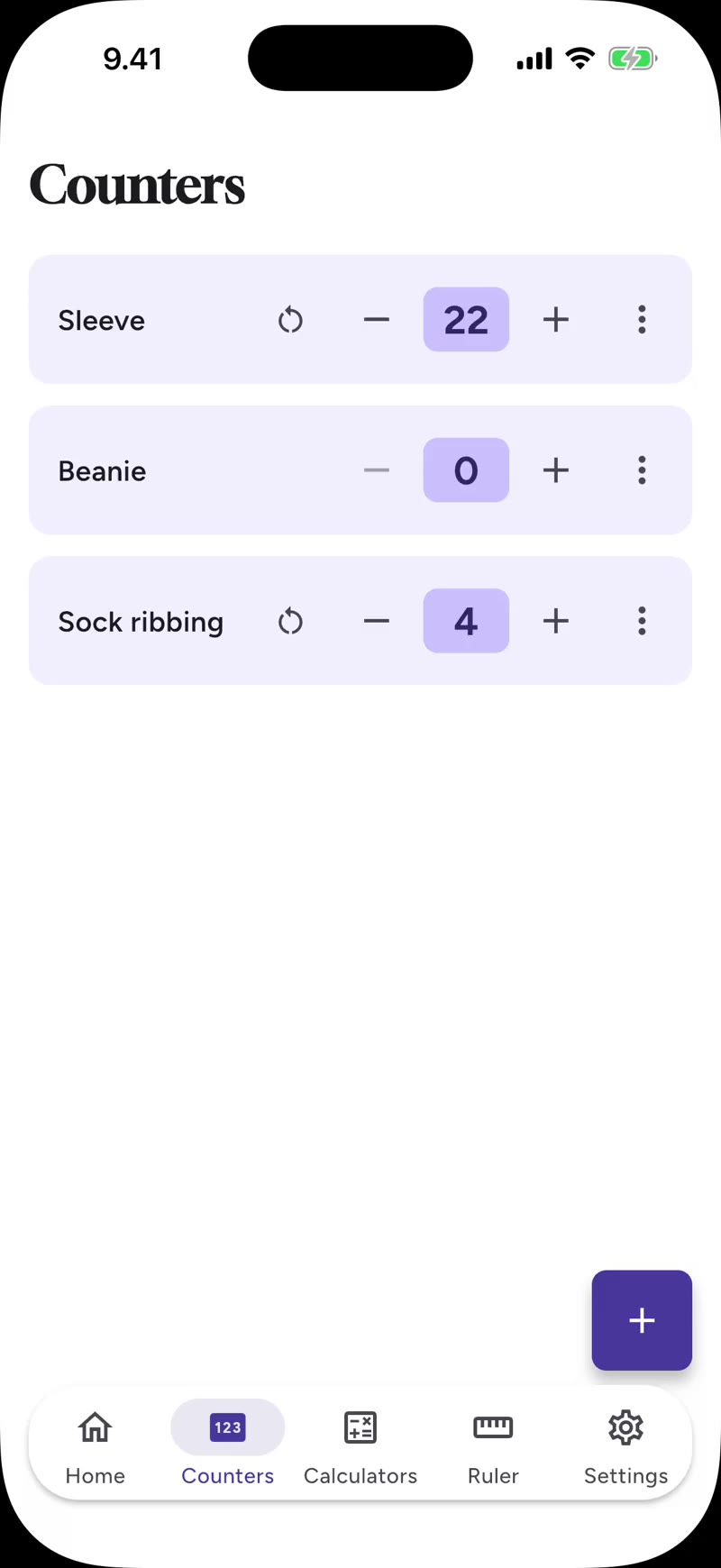
Standalone counters for whatever has no chart: a plain scarf, a swatch, a sock cuff. Increase and decrease calculators that do the shaping arithmetic, with a step-through mode as you work. And a ruler that calibrates to your device for quick gauge checks.
Every pattern in one place.
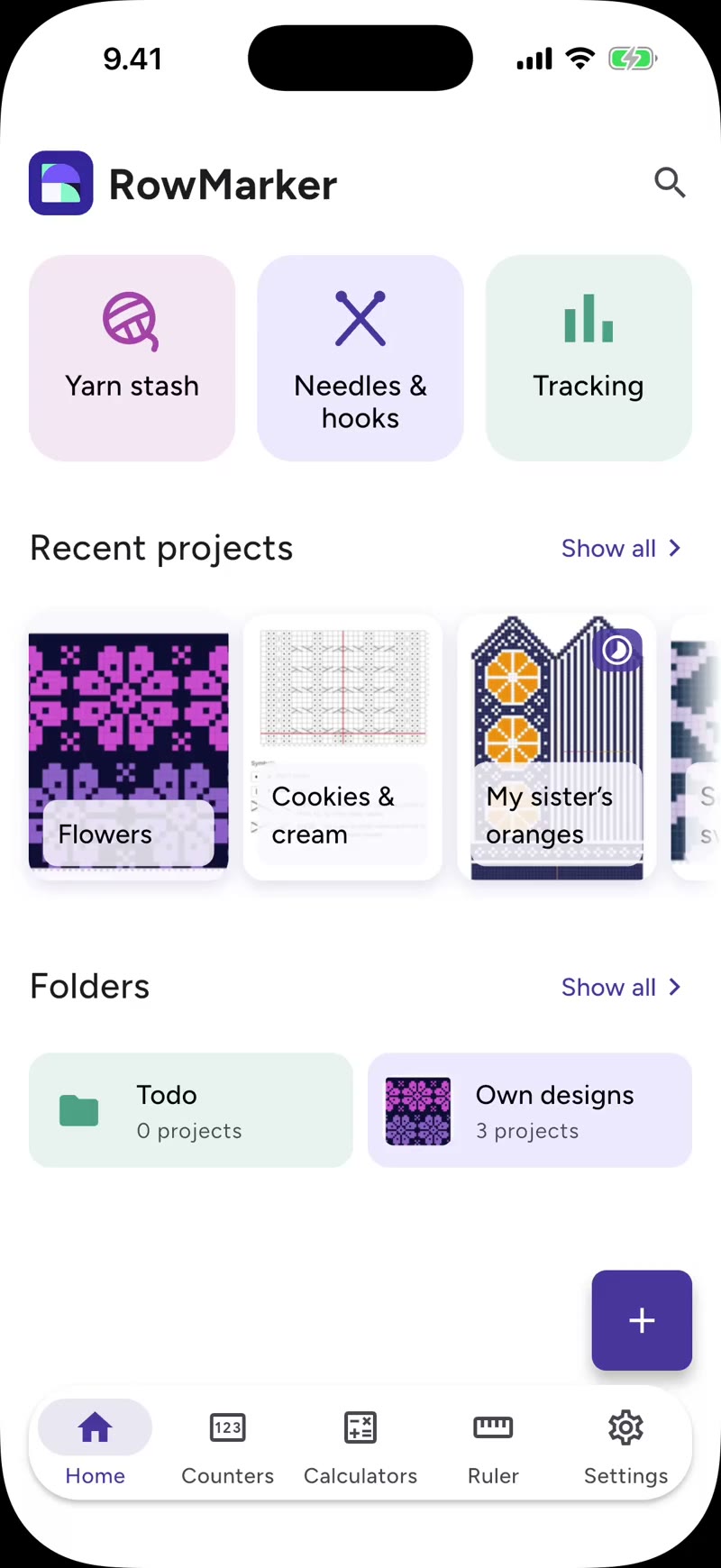
Patterns, folders and the projects you're in the middle of, all on your phone. No account needed, nothing uploaded, no ads.
Also in the free version
Notes and photos, per project
Add rich-text notes and reference photos: the finished piece, a swatch, a yarn label.
Backups in a single file
Back up everything to one file and move it to a new device whenever you like.
Pro makes finishing your projects even easier.
The free version is the whole tracker, not a trial: import a pattern, follow it row by row and finish it without paying anything. Pro adds stitch-count pins and the tools for the rest of the project: grouped charts, the pattern editor, your yarn stash and the tracker.
The stitches counted for you.
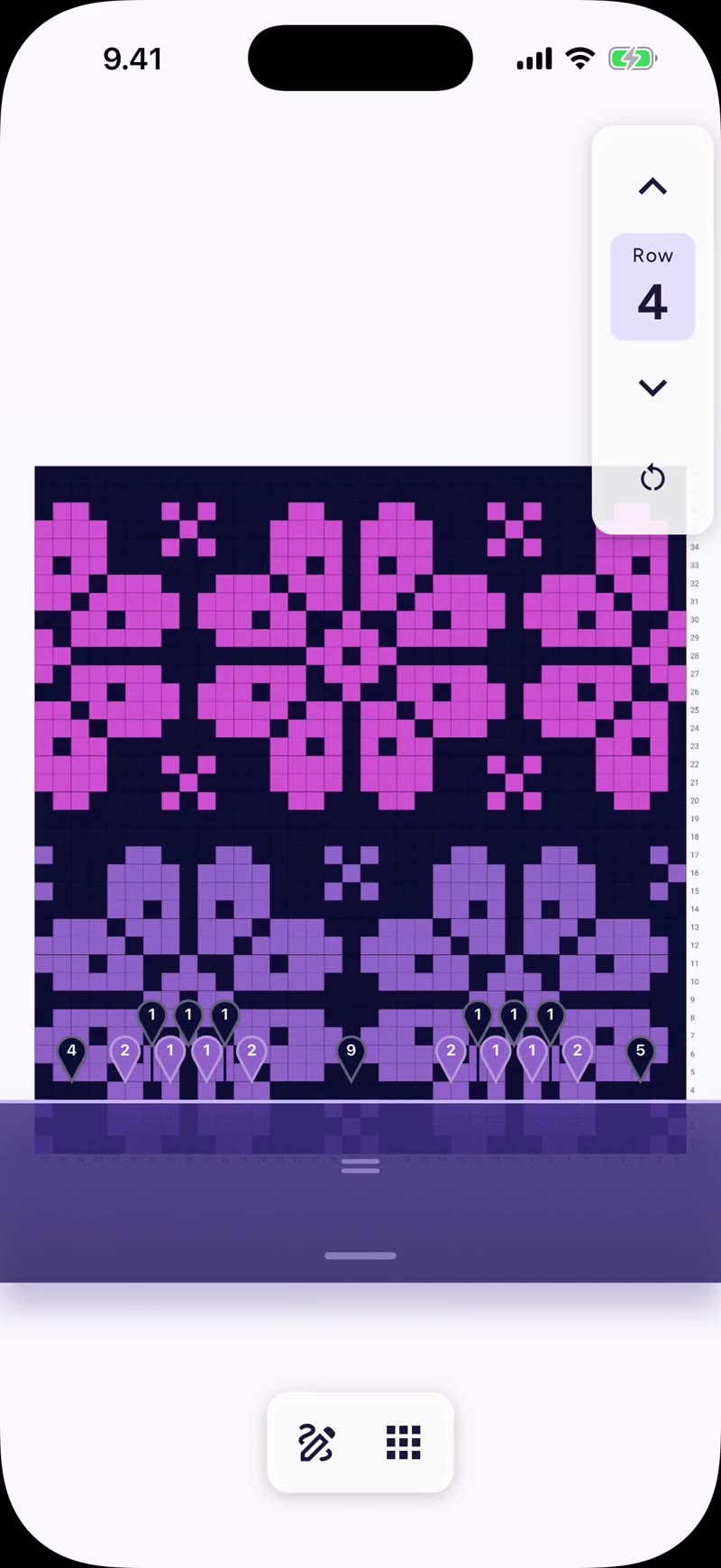
With Pro, stitch-count pins sit above the row you are working and tell you how many stitches each color run has. Move the marker and the pins move with it, so you read the row instead of counting cells.
Draw your own charts.
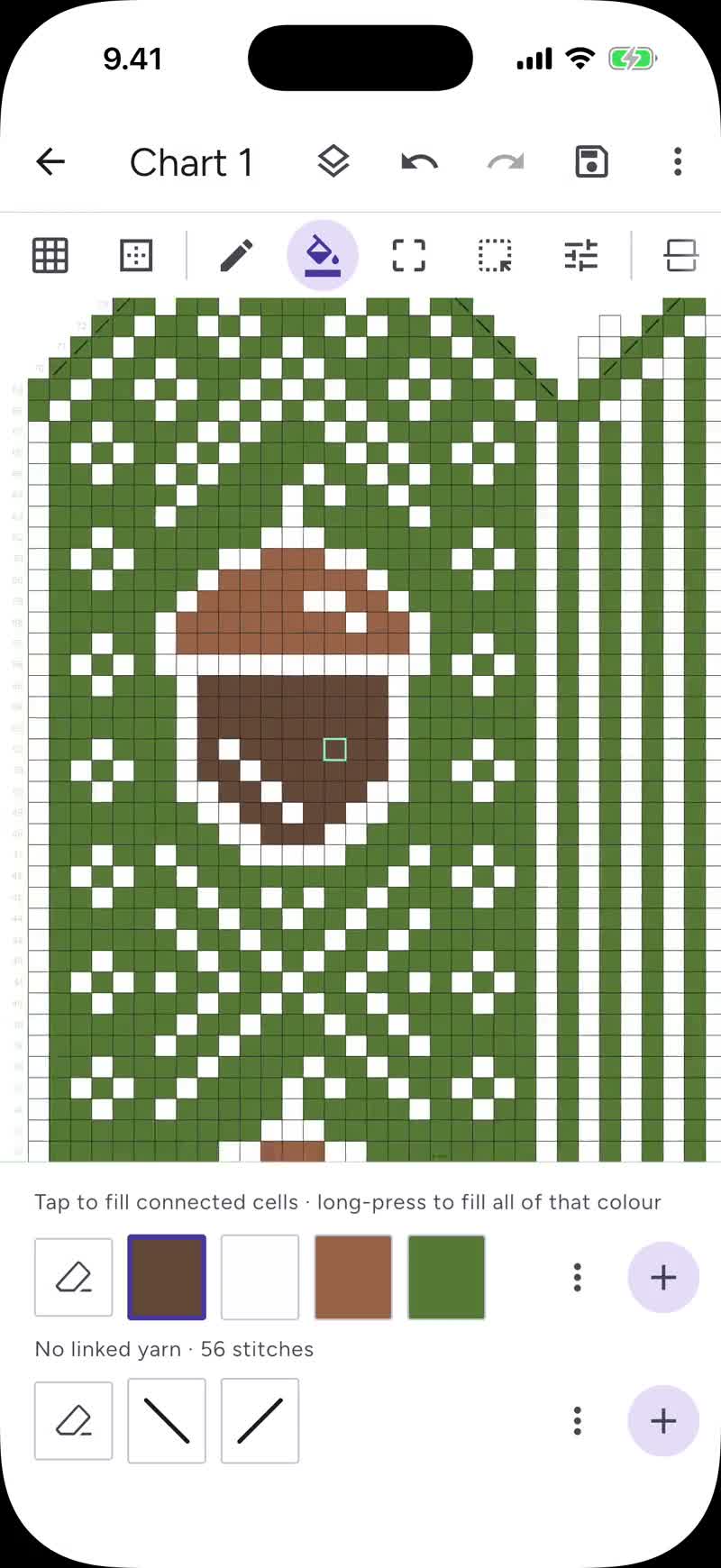
With Pro you get the chart editor: paint cells, fill areas and reshape the chart. Colors can come straight from your yarn stash.
Several charts, one marker.
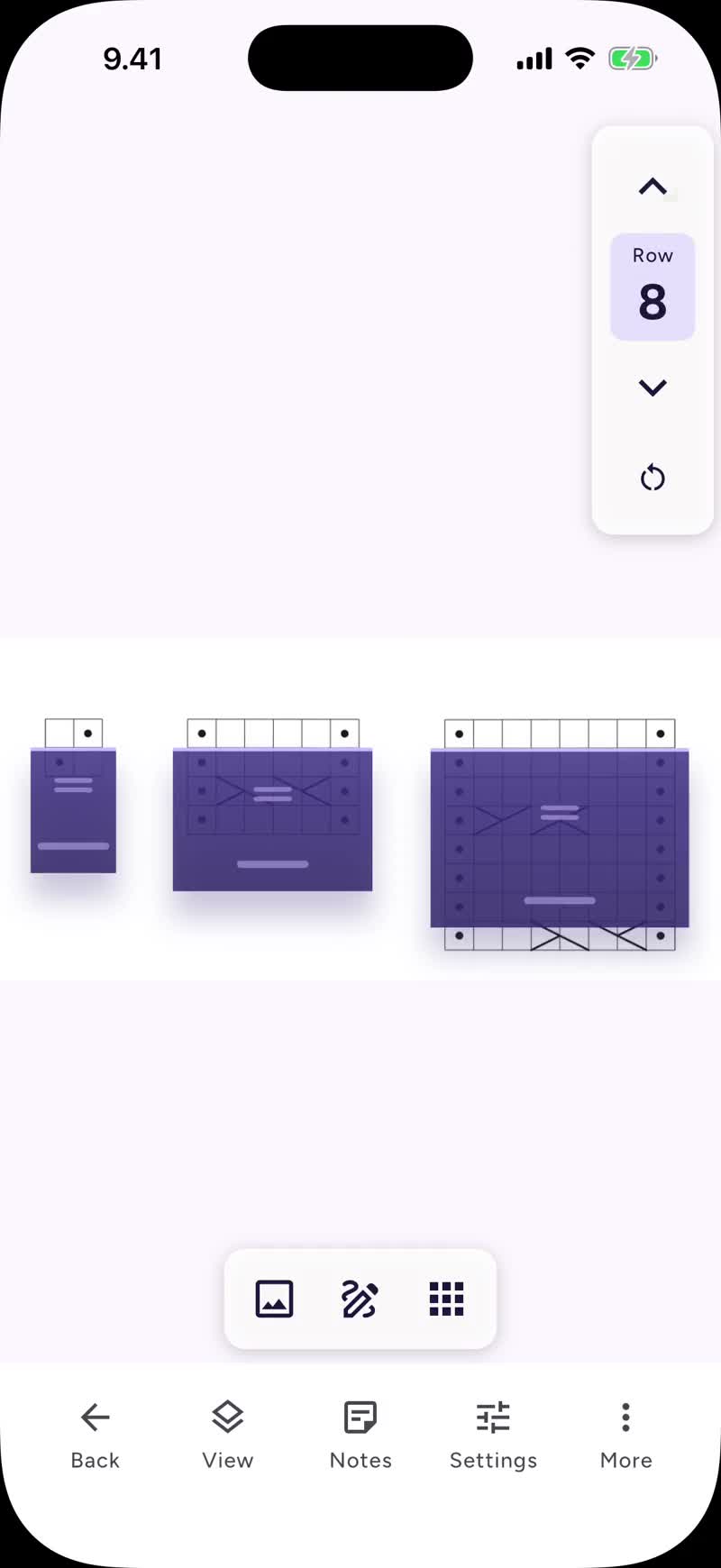
With Pro you can group the charts that belong together. A yoke that changes chart as you work down it, or a body of cable panels that are all different heights. Grouped charts share one marker and one counter, worked one after another or side by side.
Your yarn, your needles, your hours.
With Pro, you know what yarn you have, which needles and hooks you own, and where your hours went.
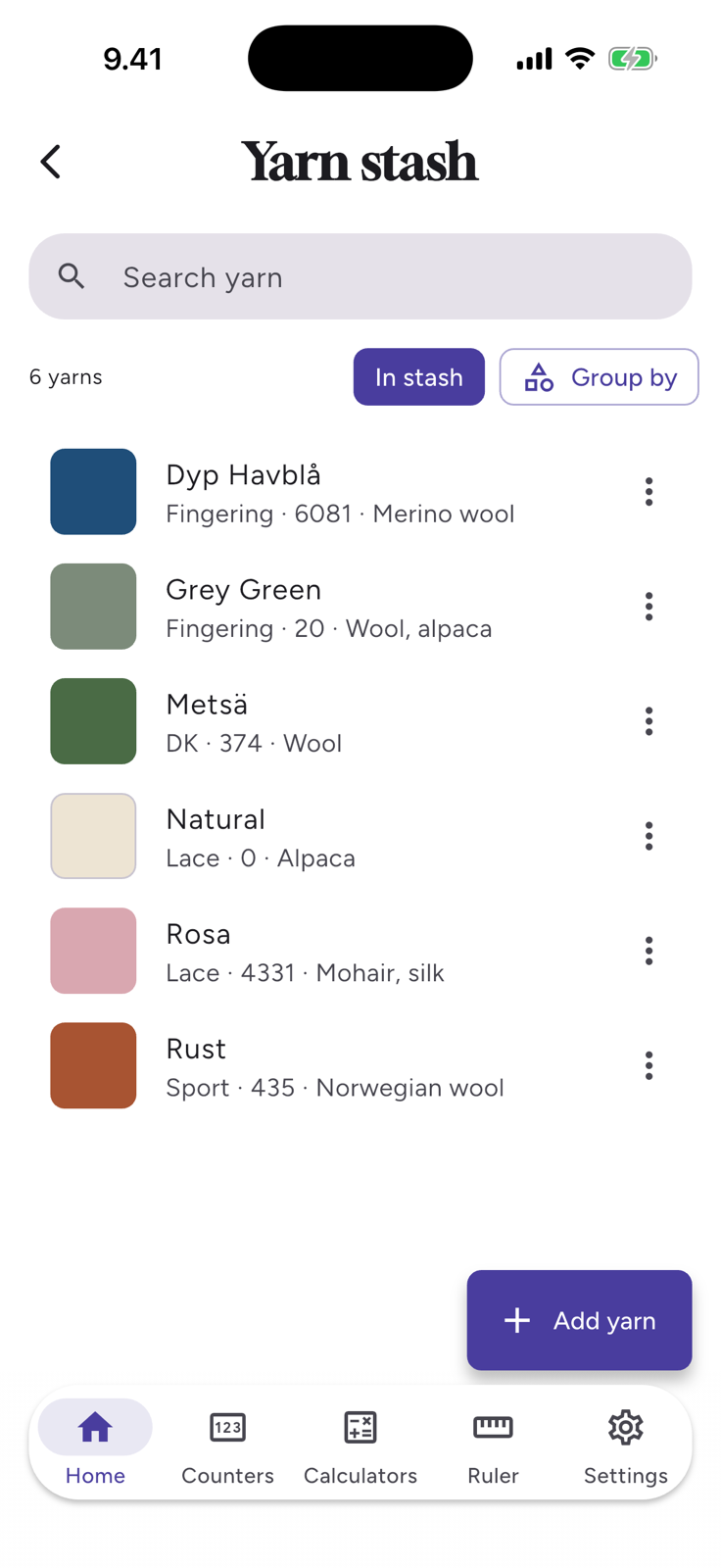
Keep your stash in order.
With Pro you get a stash: add every yarn you own with its color, weight, fiber and how much is left. Link a yarn to a chart color and the chart takes on the shade you will actually use.
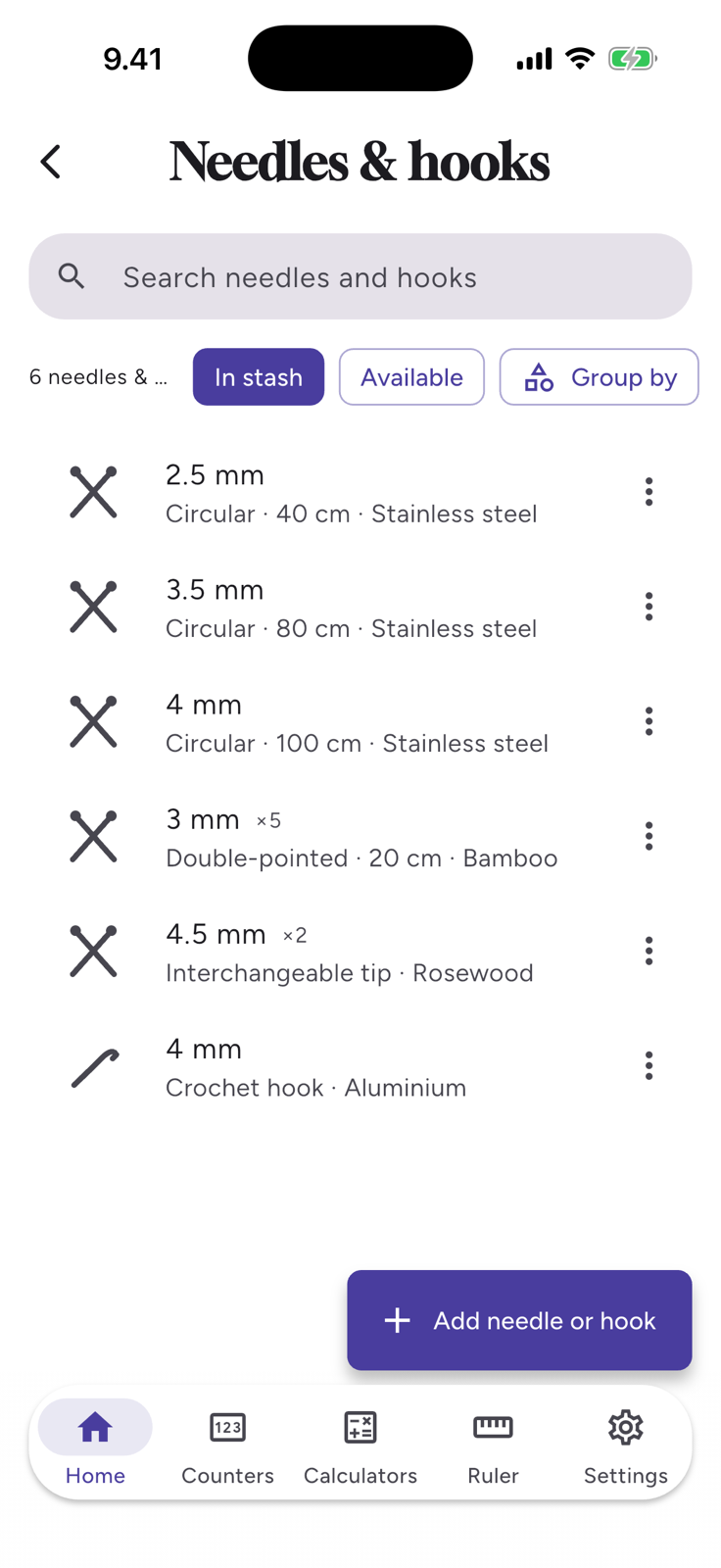
Know which needles and hooks you own.
With Pro, sizes, lengths and materials live in the app too, with how many of each you have. Handy when you are starting a new project and wonder whether you already have what it needs.
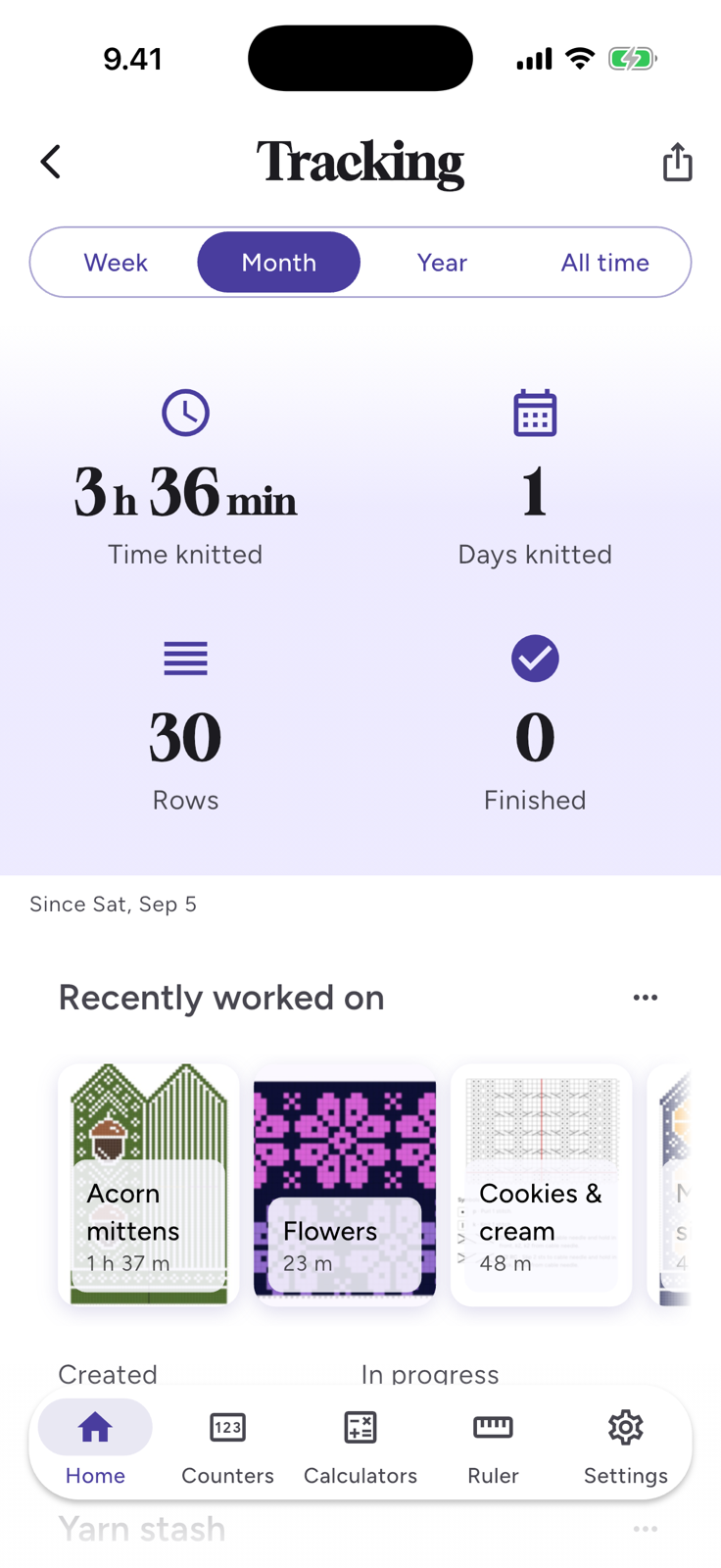
See where the hours went.
RowMarker records time on a project as you work. With Pro, the tracker turns that into a closer look at your projects.
Rather not count the hours? Relaxed mode hides the timers and the numbers and keeps the rest: what you have in progress, what you finished, and the yarn it took.
Your patterns stay on your phone.
RowMarker keeps your patterns, notes, photos and stash on your device. Nothing is uploaded, and the app needs no account. Syncing between devices is a separate, optional subscription: your data leaves the phone only if you subscribe, and even then it stays yours.
Stored on your device
Patterns, notes, photos and your stash live in the app, with or without a connection.
No account needed, no ads
Nothing to sign up for and nothing to log into. Sync is the one thing that takes an account, and only if you want it.
Yours, even in the cloud
Syncing between devices is a separate, opt-in subscription. Even then your data is yours alone.
Frequently asked questions
What is RowMarker?
RowMarker is a knitting and crochet app that turns your pattern into a live, trackable chart. Photograph a paper pattern, or import a PDF or a pattern shared from a website. RowMarker finds the charts, reads the row numbers, and gives you a row marker that snaps from row to row.
It also keeps your patterns, counters, notes, yarns and needles in one place, with no ads and no sign-up required.
Is RowMarker free?
Yes. Importing patterns, chart detection, the row marker, counters, notes and backups are all free, with no ads and no limits on patterns, counters or photos.
RowMarker Pro is a single one-time purchase that adds the advanced project tools: chart grouping, repeat sections, stitch-count pins, the digitized chart views, the pattern editor, the yarn and needle stash, and tracking.
Do I need a subscription to use RowMarker?
No. RowMarker Pro is a one-time purchase: pay once, keep it forever, and it will never quietly convert into a subscription.
There is an optional subscription for syncing between devices. Syncing keeps a copy of your data on our server, and running that server costs money every month.
Does it work offline?
Entirely. Chart detection runs on your device, so you can photograph and track patterns without internet connection.
You only need a connection to bring new patterns in from the internet, like Ravelry import or sharing a pattern from a website, so download the PDFs you will want onto your device before you head out. Everything already in the app works offline.
How does chart detection work?
You photograph a pattern page, or import a PDF or an image, and RowMarker finds the charts on it, straightens them, reads the printed row numbers, and lays a snapping row marker over the chart. It handles several charts on one page and multi-page patterns.
Everything runs on your device. Your pattern is never uploaded anywhere.
Which devices does it run on?
RowMarker works on iPhone and Android phones, and tablets work too.
Something else on your mind? Write to us